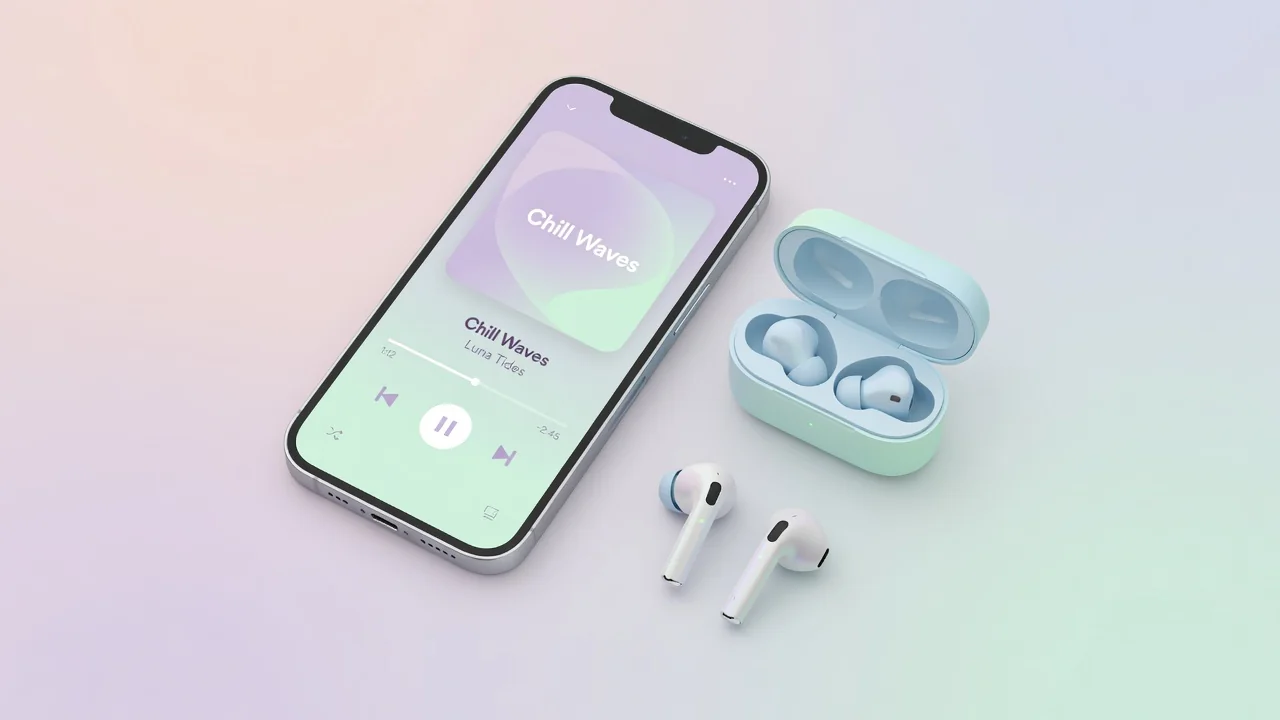
How to Make Your Own Ringtone in 2026 (iPhone & Android)
The best ringtone is the one nobody else has. In 2026 you don't need a portal, a carrier or a credit card to get one — any song or sound you own can become a ringtone in about ten minutes, using tools that are already on your devices. Here is the complete workflow for both platforms.
iPhone: from song to ringtone
Apple still requires ringtones in the .m4r format, no longer than 30 seconds. The free GarageBand app is the easiest route:
- Pick your audio — a song from your Music library (that you own) or any recording you made;
- Import it into GarageBand on the iPhone and trim the clip to the section you want — the hook, the riff, the first line;
- Share as Ringtone — GarageBand exports directly to the ringtone list with a name of your choice;
- Assign it in Settings → Sounds & Haptics, or per-contact in the Contacts app.
Android: the simple path
Android is more permissive: any MP3, OGG or WAV file can be a ringtone with no conversion at all.
- Copy the file into the Ringtones folder on the phone's storage;
- Open Settings → Sound & vibration → Phone ringtone and pick your file from the list;
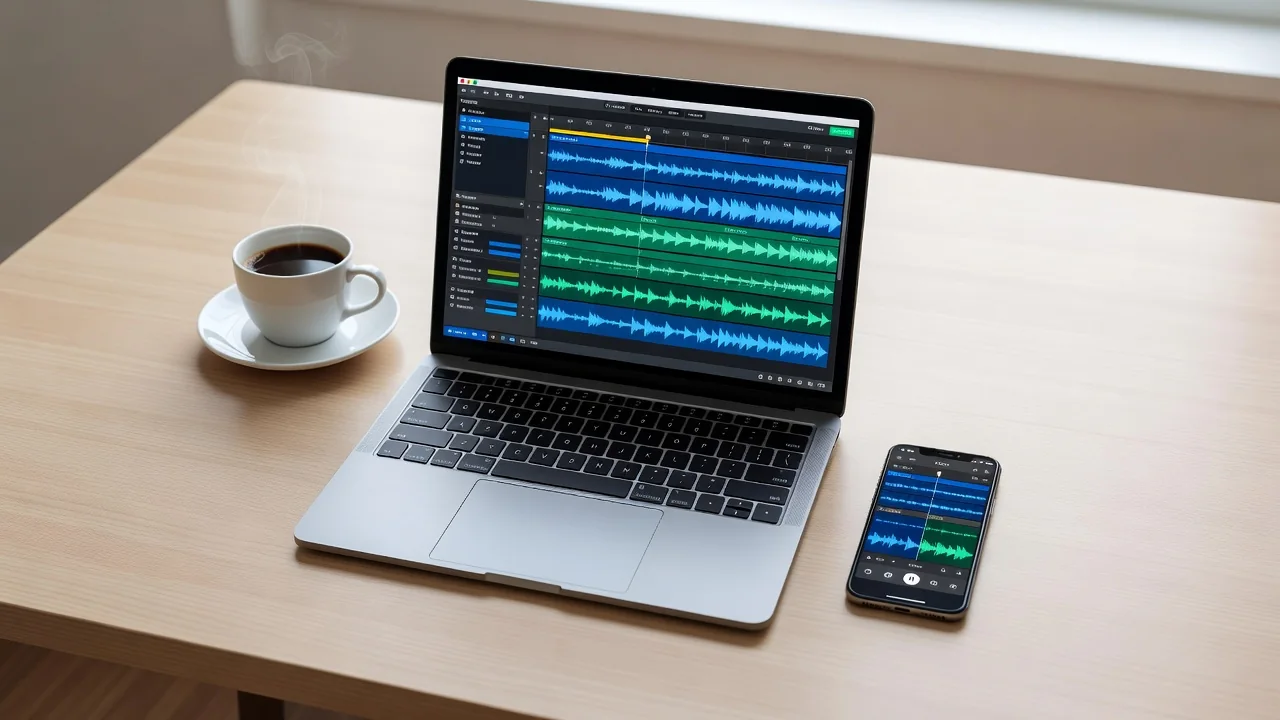
- Trim first if needed — any free audio editor app can cut the clip to your favorite 20–30 seconds;
- Per-contact tones are set inside each contact's edit screen.
Tips from the old-school ringtone era
| Rule | Why it matters |
|---|---|
| Start on the hook | You hear the first seconds most — skip the intro |
| Keep it under 30 seconds | Calls roll to voicemail anyway; iPhone enforces the limit |
| Test at real volume | Quiet acoustic intros vanish on a busy street |
| Keep the source file | Phones get replaced; your ringtone library should survive |
That is all there is to it. The ringtone industry charged three dollars for what your phone now does free — but choosing the right thirty seconds is still an art worth the ten minutes.